LUG Talk - How to Rice
Context for blog: This is the markdown file I used to present to my local Linux User Group on April 9, 2026. The talk was not recorded but did go very well. Minor disclaimer: I do not own the rights to any images used
Welcome to LUG: Linux desktop customization
Intro
- Who am I and why you should care
- Schedule
- Talk
- Interactivity
-> Everything you see today is published, including the slides! Link in slack after the talk!
(Here was a QR code to join the private local communication channel)
The etymology of ricing
RICE = Race Inspired Cosmetic Enhancement
It comes from English-speaking slang for Japanese street racers who went “all out” with cosmetics on their cars.


A quick terminology check-in
- Desktop Environment (DE) is the base software that manages everything that you see
- Window Manager (WM) is part of the DE that manages the windows, usually either as tiles or floating pages.
- Dotfiles refer to any files in
~/.configthat change the appearance (and sometimes functionality) of any applications. - X11 and Wayland are protocols that are defined for building a desktop environment. Generally they are not compatible.
X11 was released on June 19, 1984. 41 years ago.
Also in 1984:
- The first ever edition of Tetris was released
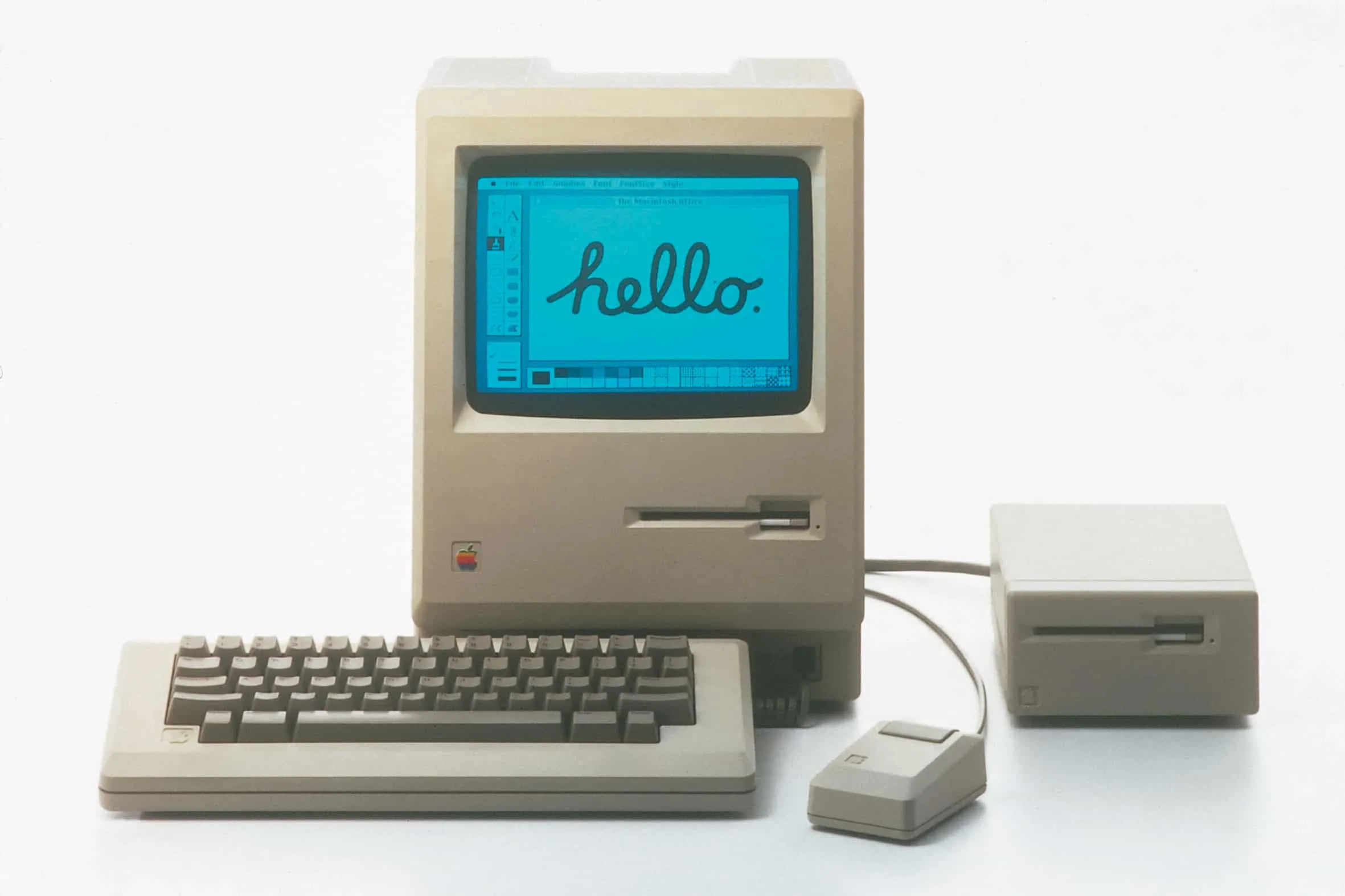
- The Apple Macintosh was released
- Indiana Jones and the Temple of Doom was released into theatres, leading to the creation of the PG-13 rating
Dissecting the Desktop
There are a variety of different things that need to be installed and configured for a functioning desktop. These can be broken down into two sections, the “system apps” and “everything else”.
This includes but is not limited to:
- System apps
- shell (zsh (mac default))
- terminal emulator (pick any, kitty)
- taskbar (waybar)
- program launcher (rofi)
- lock screen (hyprlock)
- browser (pick any, firefox)
- clipboard (wl-clipboard)
- Everything else
- productivity apps (libreoffice suite, workflow specific software)
- music player (spotify)
- messaging apps (slack, discord, teams)
- code editors (or just vim)
- video recording/editing (obs, davinci resolve, Adobe suite w/ wine)
- games (steam, lutris launcher, please dont install ubisoft launcher)
What is a taskbar?
- Weather widget
Waybar
Waybar is a great introduction to ricing
- Simplest thing you see all the time
- Instead of shipping with “tasks” and “bar” it ships with modules you can play with and CSS
- Hackthebox vpn
- One unique thing!
Lets look at some examples! https://reddit.com/r/unixporn
My own theme-switcher: sqrtPI
The guiding principles:
- After changing theme, it needs to automagically update all at once
- It needs to work not just for what I have set it up to work with
- It must be safe
- Global settings must be preserved
- Dont dig into the system
Now lets talk about you actually doing this
How to pick a color scheme:
- pywal, pywal 16
- color picker: https://htmlcolorcodes.com/color-picker/
- color scheme generator: https://paletton.com/#uid=73l0u0kllllaFw0g0qFqFg0w0aF
- (uncommon) 256 color codes: https://betterterminal.com/terminal-colors
Sources for outside inspiration:
Some relevant links: Waybar: https://github.com/Alexays/Waybar/wiki Hyprland: https://wiki.hypr.land/ Fastfetch: https://github.com/fastfetch-cli/fastfetch/wiki Rofi: https://davatorium.github.io/rofi/current/rofi.1/
Things to bring up throughout:
- Everything should work on laptops / touchpads. Hyprland even has native support for custom gestures.
- Shell versus terminal emulator
minor things to look into:
git bash prompt
matugen
check gtk3/4/5/6 compatability
get the slack channel QR code
screenshot utility config on github
explain the tiles
move windows rofi position